The same information gets entered again.
Data moves between systems by hand, creating extra work and a higher chance of errors.
 Discuss a project
DATA · AI · AUTOMATION
BytePilot connects business systems, automates recurring workflows and builds practical Data and AI solutions around your existing tools. Help your team spend less time copying records, chasing updates and preparing reports, with clear ownership when something needs attention.
Send an enquiry about your workflow, or choose a call time on the Contact page.

Data moves between systems by hand, creating extra work and a higher chance of errors.
Numbers are pulled in different ways or on different schedules, so it’s hard to see what’s current.
Work keeps moving only when someone follows up, which takes time and is easy to miss.
Bring the right information from your existing systems.
Add practical intelligence to prepare and organize it.
Run the steps consistently across your tools.
Put clear, timely information in front of the right people.
With human review at key steps. Automation handles the routine work, while your team keeps the final say where it matters.
Bring data from your existing systems, keep it consistent and turn it into clear, usable reports.
ExploreAutomate recurring steps across your tools so work moves forward without manual handoffs.
ExploreApply practical AI to organize information, draft output and support day-to-day decision-making.
ExploreTurn the plan into a working solution, integrate it with your tools and hand it over with clear ownership.
ExploreExamples, not a required stack. Selection depends on your systems and workflow.
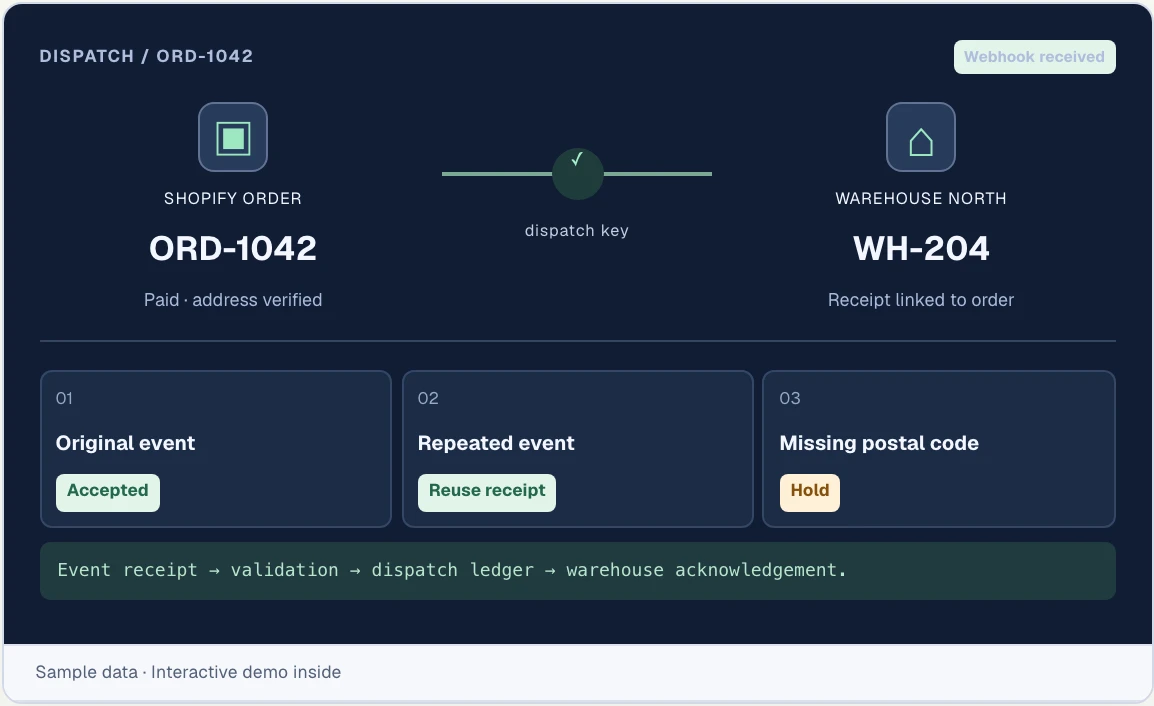
Bring orders, inventory and fulfillment into one workflow so records stay in sync and orders move without manual updates.
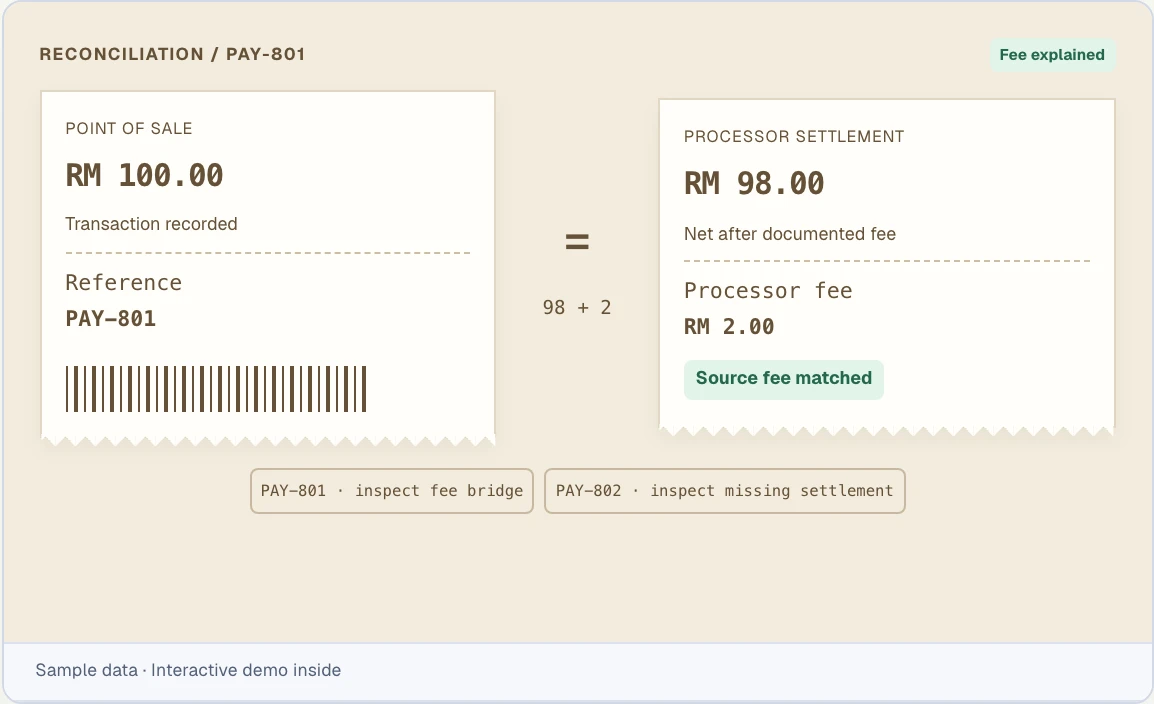
Match payments, refunds and orders across systems, highlight mismatches and get them reviewed earlier.
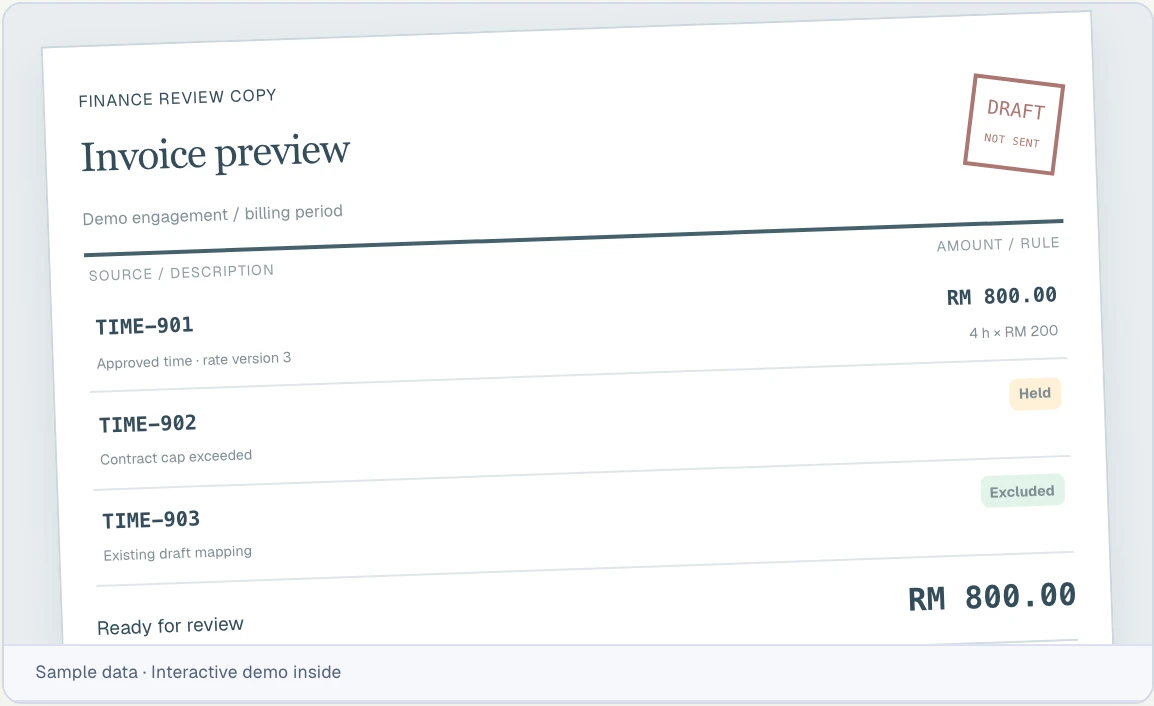
Turn approved timesheets into clean, structured records, ready for invoicing in your existing system.
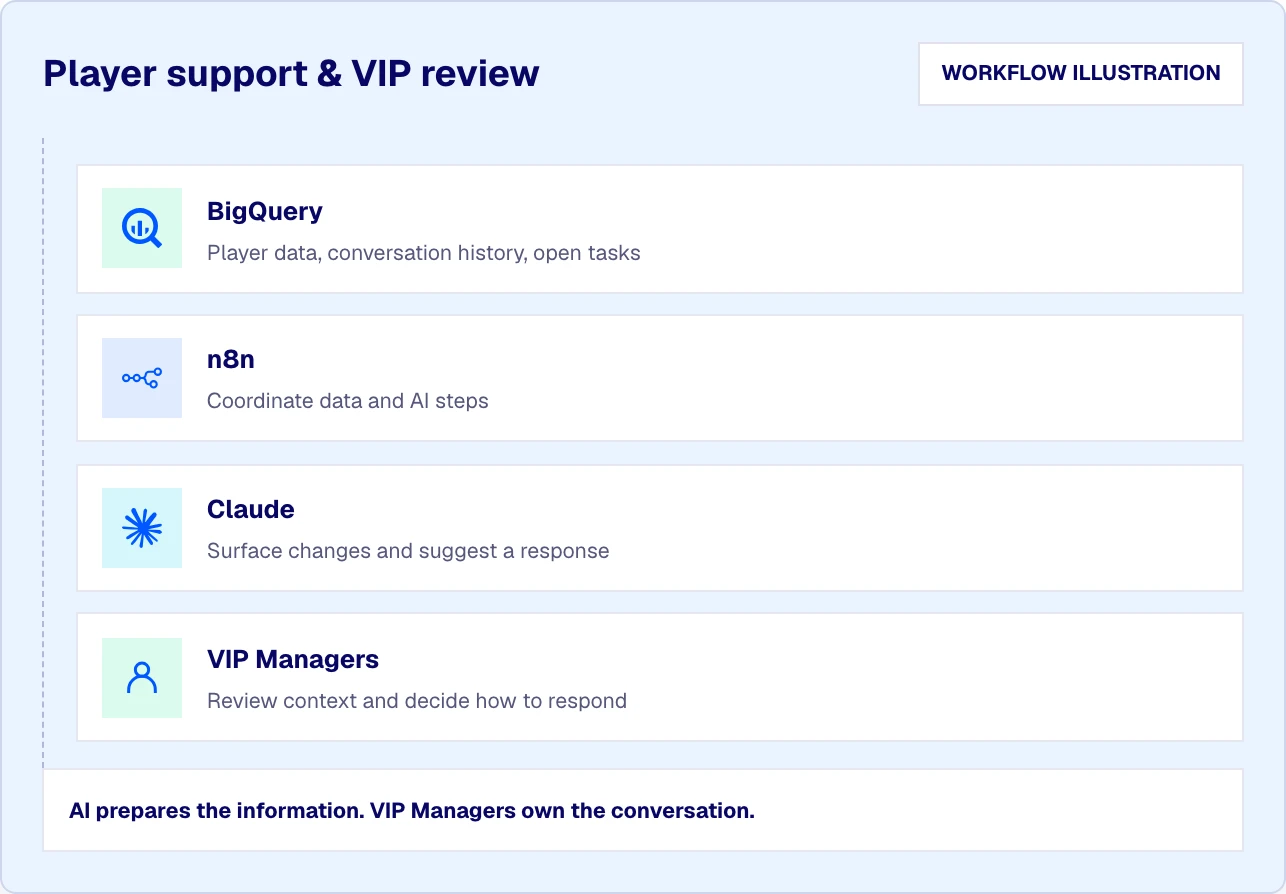
Organize player inquiries, highlight VIP cases and provide the right context for faster, more consistent support.
See how work runs today and where it slows down.
Focus on one change that removes real friction.
Implement the solution, validate it with your team and refine it.
Roll it out, share clear ownership and leave your team ready to run it.
Solutions that fit your systems, your team and your real work.
Transparent implementation, with defined ownership and handover.
We work alongside your team, so the solution is adopted and lasts.
BytePilot works on data integration and reporting, workflow automation, AI-assisted operations and technical implementation. The scope depends on the source records, interfaces and permissions available in your existing systems.
Explore industry integration requirementsNot necessarily. BytePilot starts with your current systems and checks their supported APIs, exports and permissions. The implementation scope depends on what those systems can reliably read or update.
Start with recurring work that has clear inputs, a named owner and an observable cost in time, errors or delayed handoffs. Discovery checks the available data and exceptions before recommending a first implementation.
We trace the current workflow, agree the first change, build and test it with your team, then plan rollout and handover. Scope, access requirements, testing and ownership are agreed for the implementation.
The workflow defines permitted sources, allowed actions and review responsibilities. Sensitive customer responses, financial commitments and other high-impact actions remain with authorized people. Testing includes incorrect context and access-boundary failures.
See player support review controlsHandover covers who monitors exceptions, maintains access and owns ongoing improvements. Ongoing maintenance responsibilities are agreed during scoping.
Tell us about your workflow and the systems involved. Send an enquiry or choose a call time on the Contact page.
Discuss your workflow


